

Documentation Index
Fetch the complete documentation index at: https://invopop-fr-lookup.mintlify.app/llms.txt
Use this file to discover all available pages before exploring further.
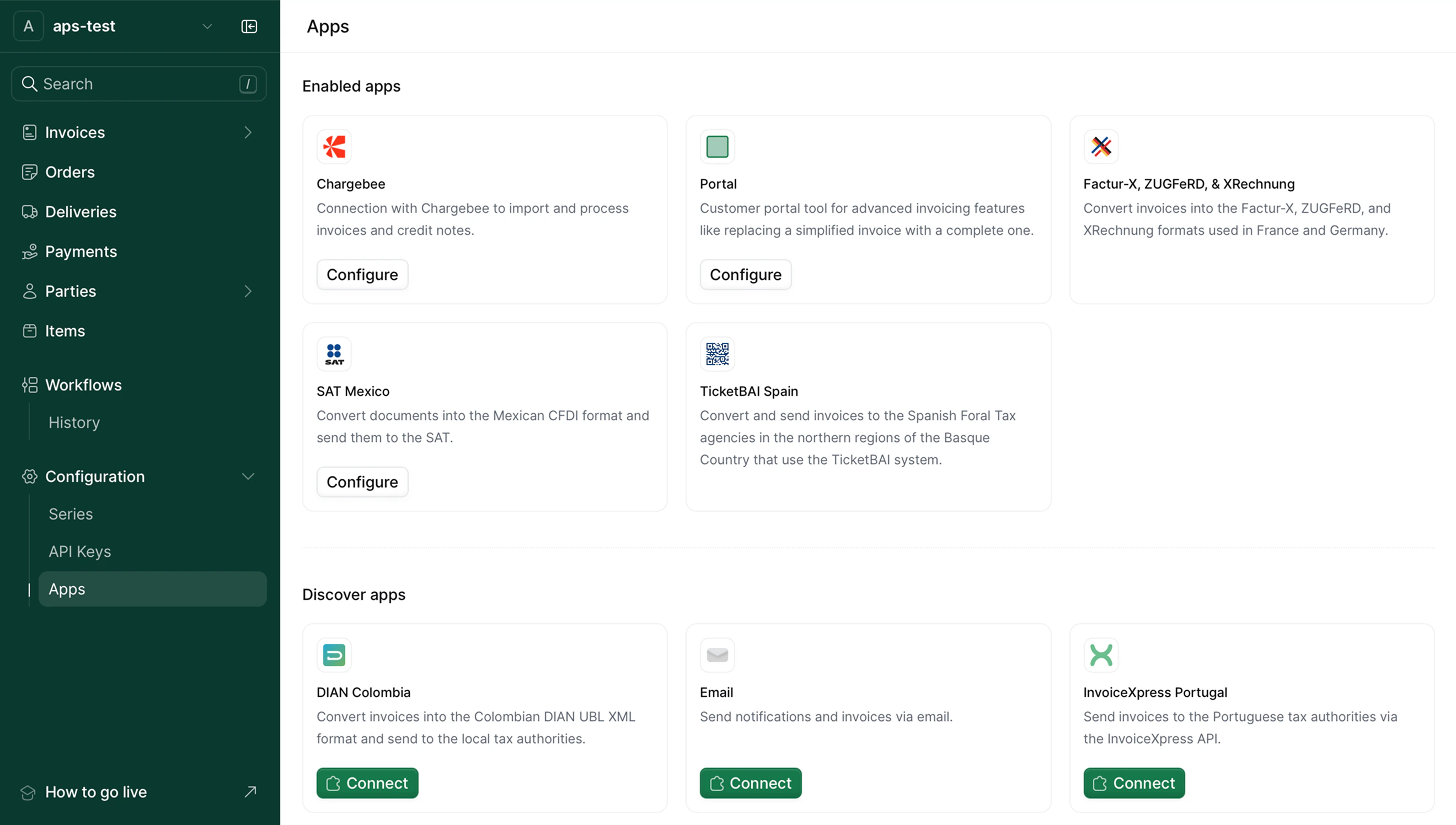
Getting started
In a freshly started workspace, no apps are enabled by default. You must enable apps before you can use their features in your workflows. The apps list is divided into two sections:- Enabled apps: Apps that are currently active in your workspace
- Discover apps: Available apps that you can enable
Enabling an app
To enable an app, click on the Enable button. Once enabled, the app appears in the enabled apps section and becomes available for configuration.Configuring apps
After enabling an app, configure it with the necessary settings, credentials, or parameters required for it to function. Each app’s configuration page provides specific instructions for the required settings.Globally useful apps
- PDF Generator generate legally compliant PDFs from your GOBL sources.
- Email send emails from your workflows, with or without attachments.
- Slack Send notifications from your workflow via Slack.